React Search Filter using Hooks, Context API, and RegEx
I'm a full-stack web developer with a demonstrated history of successfully implementing and maintaining web applications. I'm passionate about contemporary front-end engineering and enjoy developing user interfaces. I'm also an instructor with multiple years of teaching experience in Computer Science and Web Development.
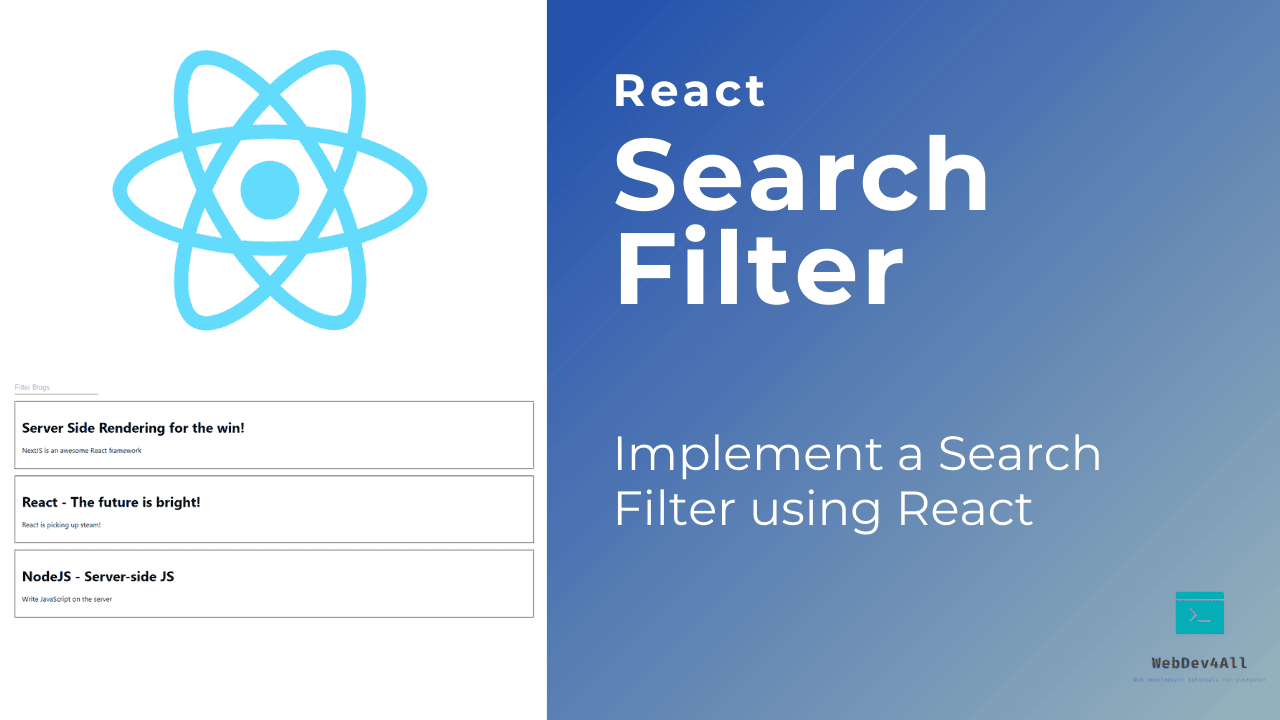
In this article, we will implement a search filter to filter blog posts in React from scratch. Along the way, you will learn how to set up and use the Context API to manage global state in your React App. We will also learn about actions, reducers, regular expressions and how they all fit into the search filter we will build.
While we will go through the process of building this feature from scratch, you can also choose to add this to an existing project.
Step 0: Create a new react app and directory structure
Let's start by setting up our React app using create-react-app.
npx create-react-app react-search-filter
Once we have our app set up, we are going to install Material UI to make things look a bit nicer.
npm install @material-ui/core or yarn add @material-ui/core
Directory Structure:
We are going to create two directories inside the src folder: context and components.
Inside the context directory, let's create three files:
blogContext.jsBlogState.jsblogReducer.js
Inside the components directory, let's create three files:
Blog.js- represents each individual blog item.Blogs.js- component that displays blog items.BlogFilter.js- component responsible for filtering blogs based on search term.types.js- action types we use to connect our actions, state, and reducer.

Step 1: Create blog Context, State and Reducer
Let's start by declaring and exporting the constants we are going to use throughout the app in types.js:
export const FILTER_BLOGS = 'FILTER_BLOGS';
export const CLEAR_FILTER = 'CLEAR_FILTER';
Now let's move on to blogContext.js. We will create the blogContext and export it.
import { createContext } from 'react';

const blogContext = createContext();

export default blogContext;
With the blogContext created, we can implmenet our BlogState component. This is where we set up our initial state which contains an array of blogs. While we use a hardcoded array of objects here, feel free to replace this with a GET request to an API endpoint of your choice to fetch data that you want to filter.
Below the initialState, we use the useReducer() hook to connect our initial state to the reducer function. The useReducer() hook is an alternative to the useState() hook (more on this later).
The next step is to declare actions to filter blog items:filterBlogs(text) and clear the filter: clearFilter()
Finally, we return a <BlogContext.Provider> with a value prop set to an object containing the blogs array, filtered array, and action functions we declared above.
import React, { useReducer } from 'react';
import BlogContext from './blogContext';
import blogReducer from './blogReducer';
import {
  FILTER_BLOGS,
  CLEAR_FILTER,
} from './types';

const BlogState = (props) => {

    const initialState = {
    blogs: [
      {
        id: 1,
        title: "Server Side Rendering for the win!",
        description: "NextJS is an awesome React framework"
      },
      {
        id: 2,
        title: "React - The future is bright!",
        description: "React is picking up steam!"
      },
      {
        id: 3,
        title: "NodeJS - Server-side JS",
        description: "Write JavaScript on the server"
      },
    ],
    filtered: null,
  };

  const [state, dispatch] = useReducer(blogReducer, initialState);

  // Filter Blogs
  const filterBlogs = (text) => {
    dispatch({ type: FILTER_BLOGS, payload: text });
  };

  // Clear filter
  const clearFilter = () => {
    dispatch({ type: CLEAR_FILTER });
  };

  return (
    <BlogContext.Provider
      value={{
        blogs: state.blogs,
        filtered: state.filtered,
        filterBlogs,
        clearFilter,
      }}
    >
      {props.children}
    </BlogContext.Provider>
  );
};

export default BlogState;
A reducer is a function that takes in the current state and an action, and based on the action type, updates the state. It is an alternative to the useState() hook and is usually preferable when you have complex state logic involving multiples sub-values or when the next state depends on the previous one.
The blogReducer is relatively simple since we only have two cases FILTER_BLOGS and CLEAR_FILTER,
- Case 1:
FILTER_BLOGSWe modify thefilteredarray in state by using a regular expression to match the search term with the title or description of the blog post. - Case 2:
CLEAR_FILTERWe return the existing state with thefilteredarray set tonull. - Case 3:
defaultWe return the existing state
import {
    FILTER_BLOGS,
    CLEAR_FILTER,
  } from './types';

  const blogReducer = (state, action) => {
      switch(action.type) {
          case FILTER_BLOGS:
              return {
                  ...state,
                  filtered: state.blogs.filter(blog => {
                      const regex = new RegExp(`${action.payload}`, 'ig');
                      return(
                          blog.title.match(regex) || blog.description.match(regex)
                      );
                  })
              }

          case CLEAR_FILTER:
              return {
                  ...state,
                  filtered: null
              }

          default:
              return state;
      }
  }

  export default blogReducer;
Step 2: Creating the <Blog/> and <BlogFilter/> component
Now that we have our global state, actions, and reducer setup using the Context API, we can move onto creating the components that will be displayed:
The Blog component represents a single blog post item. We destructure a blog post object and return its title and description.
import React from 'react'

const Blog = ({ blog }) => {
    const { title, description } = blog;

    return (
        <div className='blog'>
            <h1>{title}</h1>
            <p>{description}</p>
        </div>
    )
}

export default Blog
We can add some simple styling to each blog item.
.blog {
  margin: 1rem 0;
  padding: 1rem;
  border: 1px solid;
}
Alternatively, you could use a <Card/> from Material UI.
The BlogFilter component contains a critical part of this app: the search bar. We have a useState() hook to keep track of what the user is typing in as a search term. The <Input/> also has a onChange() handler that updates the search value based on what the user types in, and invokes the filterBlogs() method if there is a search term. Otherwise, it clears the filter by invoking the clearFilter() function.
import React, { useContext, useState } from 'react'
import { FormControl, Input } from '@material-ui/core'
import BlogContext from '../context/blogContext';

const BlogFilter = () => {
    const blogContext = useContext(BlogContext);
    const { filterBlogs, clearFilter } = blogContext;

    const [searchValue, setSearchValue] = useState('');

    const handleChange = (e) => {
        setSearchValue(e.target.value);
        if(searchValue !== '') {
            filterBlogs(searchValue);
        } else {
            clearFilter();
        }
    }

    return (
        <FormControl>
            <Input
                value={searchValue}
                type='text'
                placeholder='Filter Blogs'
                onChange={handleChange}
            />
        </FormControl>
    )
}

export default BlogFilter
Step 3: Creating the <Blogs/> component
Finally, we can create the Blogs component which displays the list of blogs based on two cases:
- If the
filteredarray is not empty, that means we have something typed in the search bar. So we map through the array and return a component for each blog in thefilteredarray - Otherwise, we don't have anything typed in the search bar; we map through the
blogsarray and return a component for each blog.
import React, {useContext} from 'react'
import Blog from './Blog'
import BlogContext from '../context/blogContext'

const Blogs = () => {
    //Initialize context
    const blogContext = useContext(BlogContext);
    const { blogs, filtered } = blogContext;

    return (
        <div>
            {
                filtered !== null
                ? (
                    filtered.map(blog => <Blog blog={blog} key={blog.id}></Blog>)
                ) :
                (
                    blogs.map(blog => <Blog blog={blog} key={blog.id}></Blog>)
                )
            }
        </div>
    )
}

export default Blogs
Step 4: Restructuring the <App/> component
The final step involves importing all our components into our component and making calls to them in our return statement.
import './App.css';
import Blogs from './components/Blogs'
import BlogState from './context/BlogState';
import BlogFilter from './components/BlogFilter';
import { Container } from '@material-ui/core'

function App() {
  return (
    <BlogState>
      <Container>
        <div className="App">
          <BlogFilter/>
          <Blogs/>
        </div>
      </Container>
    </BlogState>
  );
}

export default App;
Summary
This brings us to the end of the tutorial. Let's finish by recapping some of the things we’ve learned.
- Context provides a way to pass data (for instance data regarding blogs) through the component tree without having to pass props down manually at every level.
- Actions (eg.
filter(searchTerm)andclearFilter()) are dispatched based on user interactions with the UI. - Based on the action type, the reducer function updates the store (the
filteredarray is modified). This triggers a change in the UI which now displays the new data (a filtered list). - If you prefer to code along while watching me build this from scratch, you can watch my YouTube video.